HotHawk vs Reply.io
Reply.io is a multichannel sales platform with an AI SDR built in. HotHawk is built just for cold email: native warmup, the best master inbox in the market, and one all-in price with no per-seat fees.
Choose HotHawk if
You run outbound mainly over email, you want native warmup and the best master inbox with team routing, and you would rather pay one flat price than per seat with add-ons on top.
Choose Reply.io if
You want multichannel outreach across email, LinkedIn, calls and SMS, with a built-in lead database and an autonomous AI SDR, and you are happy to pay per seat for it.
Last updated June 2026
HotHawk is cold email software for serious outbound teams.
Special offer
Get 50% more sending, FREE.
50% extra sending on any plan, every month for as long as you're with us.
Side by side
HotHawk vs Reply.io at a glance.
The honest split: we win on native warmup, reply management and a flat price, Reply.io wins on channels, its lead database and Jason AI. The detail is underneath.
| Feature | HotHawk | Reply.io |
|---|---|---|
| Reply management | ||
| Unified inbox for replies | ||
| Round robin + mailbox groups (team routing) | Not documented | |
| Per-rep My Inbox + visibility levels | Not documented | |
| AI reply categorisation | ||
| Deliverability | ||
| Native warmup, built in | Via MailToaster.ai | |
| Lowest plan that includes warmup | $97/mo, all-in | $49/user/mo |
| For agencies | ||
| White-label client portal | ClientBox, included | Add-on, less developed |
| Unlimited client workspaces | Included on Scale | Agency tier |
| Channels & data | ||
| Outreach channels | Email only | Email, LinkedIn, calls, SMS, WhatsApp |
| Built-in lead database | No, bring your own | Yes, 1B+ via Generect |
| Autonomous AI SDR | Jason AI, from $500/mo | |
| AI & developers | ||
| Official MCP server | ||
| Pricing | ||
| Pricing model | All-in, no per-seat | Per seat, add-ons stack |
| Starting price | $97/mo flat | $49/user/mo |
Comparison based on publicly available information from reply.io and hothawk.ai, accurate as of June 2026. Reply.io pricing is per user and billed annually; add-ons and Jason AI are priced separately. Pricing and features change, so check each provider for the latest. "Not documented" means the feature is not confirmed in Reply.io’s public material, not that it is necessarily absent. Reply.io is a trademark of its respective owner; HotHawk is not affiliated with or endorsed by Reply.io.
Where HotHawk wins
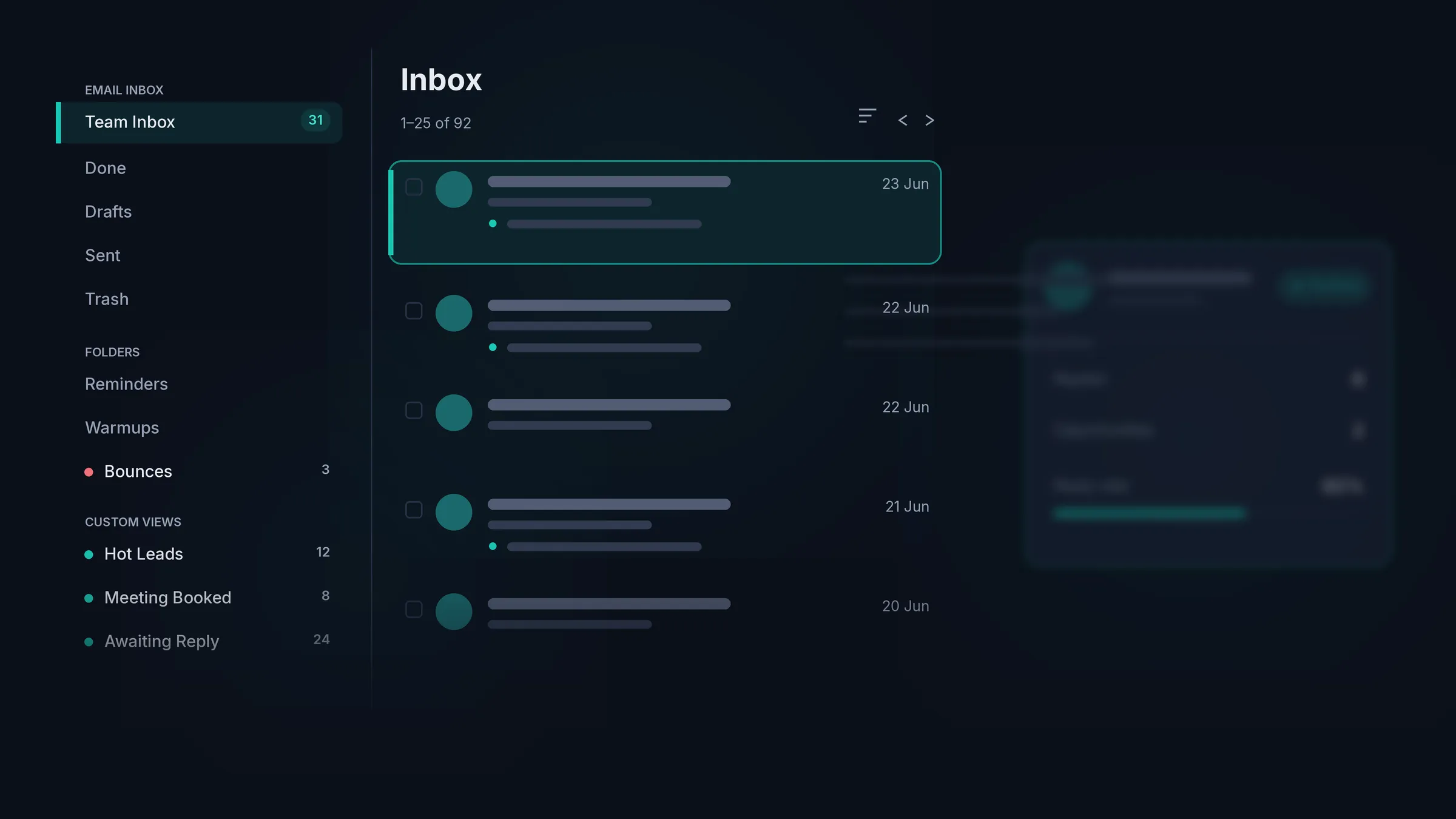
The best master inbox in cold email.
Reply.io has a unified inbox that gathers replies from every channel. What it does not document is team routing, so on a team those replies still land in one shared pile. HotHawk assigns each one the moment it arrives, so it reaches the right rep before the lead goes cold.
Catches every reply
It connects to your real mailboxes and pulls in the forwarded replies, the CC’d colleagues and the people you never emailed directly, the replies a basic inbox quietly drops.
Every reply gets an owner
Round robin shares new replies evenly across the team, and mailbox groups route them by the inbox they arrived on. Nothing sits unassigned while a hot lead cools off.
Each rep gets their own view
Give every rep a My Inbox of just their replies, or run one shared team inbox. You decide who sees what, and managers keep the full picture either way.
The warm ones surface first
Replies are sorted into positive, negative and out of office for you, so the team works the people who actually want to talk before anyone else.
Where HotHawk wins
One price, not a per-seat bill that grows.
Reply.io is priced per user, and the channels and the AI SDR you would actually use are charged on top. A full multichannel setup with Jason AI runs into the hundreds per user. HotHawk is $97 a month, all-in, and the only thing that ever changes your bill is how much you send.
No per-seat fee
Add your whole team and every client, and your bill does not move. Reply.io charges per user, so each new rep is another line on the invoice.
Nothing stacked on top
Warmup, the master inbox, unlimited mailboxes, the API, the MCP server and client access are all in. The only thing we meter is how many emails you send.
Native warmup, every plan
Our warmup is built in and runs on a pool of 50,000+ real Google and Microsoft inboxes. Reply.io runs warmup through a separate tool, MailToaster.ai, and only from its $49 a user plan up.
Cancel when you want
Upgrade, downgrade or cancel straight from your account, with no contracts and no cancellation calls.
Where Reply.io wins
It does far more than email.
Reply.io runs five channels in one place: email, LinkedIn, calls, SMS and WhatsApp. It has a lead database of over a billion contacts built in through Generect, and Jason AI, one of the more developed autonomous SDRs, can prospect, write and book meetings on its own. HotHawk does none of that. We do email outreach only, you bring your own leads, and we hand you the tools to send well rather than an AI that sends for you. If you want one platform for every channel with data and an SDR included, Reply.io is the broader product, and for that job it is the better pick.
We made the opposite bet: go deep on email rather than wide across channels. Native warmup, the best master inbox in cold email, and one all-in price, for teams whose outreach runs on email.
The verdict
Which tool should you pick?
Pick HotHawk
For native warmup, the best master inbox with team routing, and one flat price with no per-seat fees, when your outreach runs over email.
Pick Reply.io
For multichannel outreach across email, LinkedIn, calls and SMS, with a built-in lead database and an autonomous AI SDR, if paying per seat for the breadth is a fair trade.
FAQ
HotHawk vs Reply.io questions.
How much does Reply.io cost?
Reply.io is billed per user. Its Email Volume plan starts around $49 a user per month, Multichannel is about $89 a user per month, and the channels most teams want, LinkedIn at roughly $69 an account and calls or SMS at about $29 a user, are separate add-ons, so a full multichannel setup lands near $187 a user. Jason AI, its autonomous SDR, is a separate bill again, from about $500 a month. HotHawk is $97 a month, all-in, with no per-seat fee and nothing metered but your sending volume.
Does Reply.io include email warmup?
It does, but through a separate tool called MailToaster.ai rather than its own warmup, and you need to be on at least its $49 a user plan to get it, so the free plan has none. HotHawk’s warmup is native and built into every plan, on a pool of more than 50,000 real Google and Microsoft inboxes, with no separate tool to wire up.
What is the difference in reply management?
Reply.io has a unified inbox that pulls your email, LinkedIn and SMS replies into one place. HotHawk’s master inbox adds the part teams need: round robin and mailbox groups assign every reply for you, each rep gets their own My Inbox, and it catches the forwarded, CC’d and never-emailed-directly replies a basic inbox drops.
Is Reply.io or HotHawk better for multichannel?
Reply.io, clearly. It runs email, LinkedIn, calls, SMS and WhatsApp in one workflow, with a 1B-record lead database built in through Generect. HotHawk does email outreach only. It can pull your LinkedIn replies into the master inbox through the HeyReach integration, but it does not run LinkedIn campaigns. If multichannel matters most, Reply.io is the broader tool.
Does HotHawk have an AI SDR like Jason AI?
No, and we take a different line. HotHawk has an official MCP server, so you can run campaigns, work through replies and pull your numbers from Claude in plain language, but you stay in control of what goes out. It is not an autonomous SDR writing and sending on its own.
Can I switch from Reply.io to HotHawk?
Yes. You connect your own mailboxes over OAuth or SMTP, then import your leads and campaigns, so there is nothing to migrate at the infrastructure level. Use the API or our bulk upload tools to move everything across.
Send cold emails that get delivered.Never miss a positive reply.
Serious deliverability paired with the best reply management in the market.
No credit card required.