HotHawk vs Mailshake
Mailshake is a simple, long-standing email tool, but it caps mailboxes per seat and has no free trial. HotHawk gives you unlimited mailboxes, the best master inbox in cold email, and a portal for agencies.
Choose HotHawk if
You want to connect unlimited mailboxes without per-seat caps, the best master inbox with AI categorisation and team routing, a white-label portal for clients, and a free trial to test it first.
Choose Mailshake if
You want a simple, stable, email-first tool with deep Salesforce sync, and you are a small team that will not run into the per-seat mailbox caps.
Last updated June 2026
HotHawk is cold email software for serious outbound teams.
Special offer
Get 50% more sending, FREE.
50% extra sending on any plan, every month for as long as you're with us.
Side by side
HotHawk vs Mailshake at a glance.
The honest split: we win on unlimited mailboxes and reply management, Mailshake wins on simplicity and its deep Salesforce sync. The detail is underneath.
| Feature | HotHawk | Mailshake |
|---|---|---|
| Reply management | ||
| Master inbox for every reply | ||
| Round robin reply assignment | Not documented | |
| AI reply categorisation | No, engagement-based | |
| Per-rep My Inbox + visibility levels | Not documented | |
| Mailboxes & pricing | ||
| Mailboxes per plan | Unlimited | 1 / 2 / 10 per seat |
| Per-seat pricing | No | Yes |
| Free trial | 7 days, no card | None, 30-day money-back |
| Starting price | $97/mo | $25/mo per user |
| Agency & platform | ||
| White-label client portal | ClientBox | No |
| Built-in warmup | ||
| Two-way Salesforce sync | Via OutboundSync | Native, deep |
| MCP server | Yes, hosted | No official |
Comparison based on publicly available information from mailshake.com and hothawk.ai, accurate as of June 2026. Pricing and features change, so check each provider for the latest. "Not documented" means the feature is not confirmed in Mailshake’s public material, not that it is necessarily absent. Mailshake is a trademark of its respective owner; HotHawk is not affiliated with or endorsed by Mailshake.
Where HotHawk wins
The best master inbox in cold email.
Mailshake’s Lead Catcher flags engaged prospects, but it does not sort replies by sentiment or route them across a team. HotHawk’s master inbox does both, so the right rep works the right reply first.
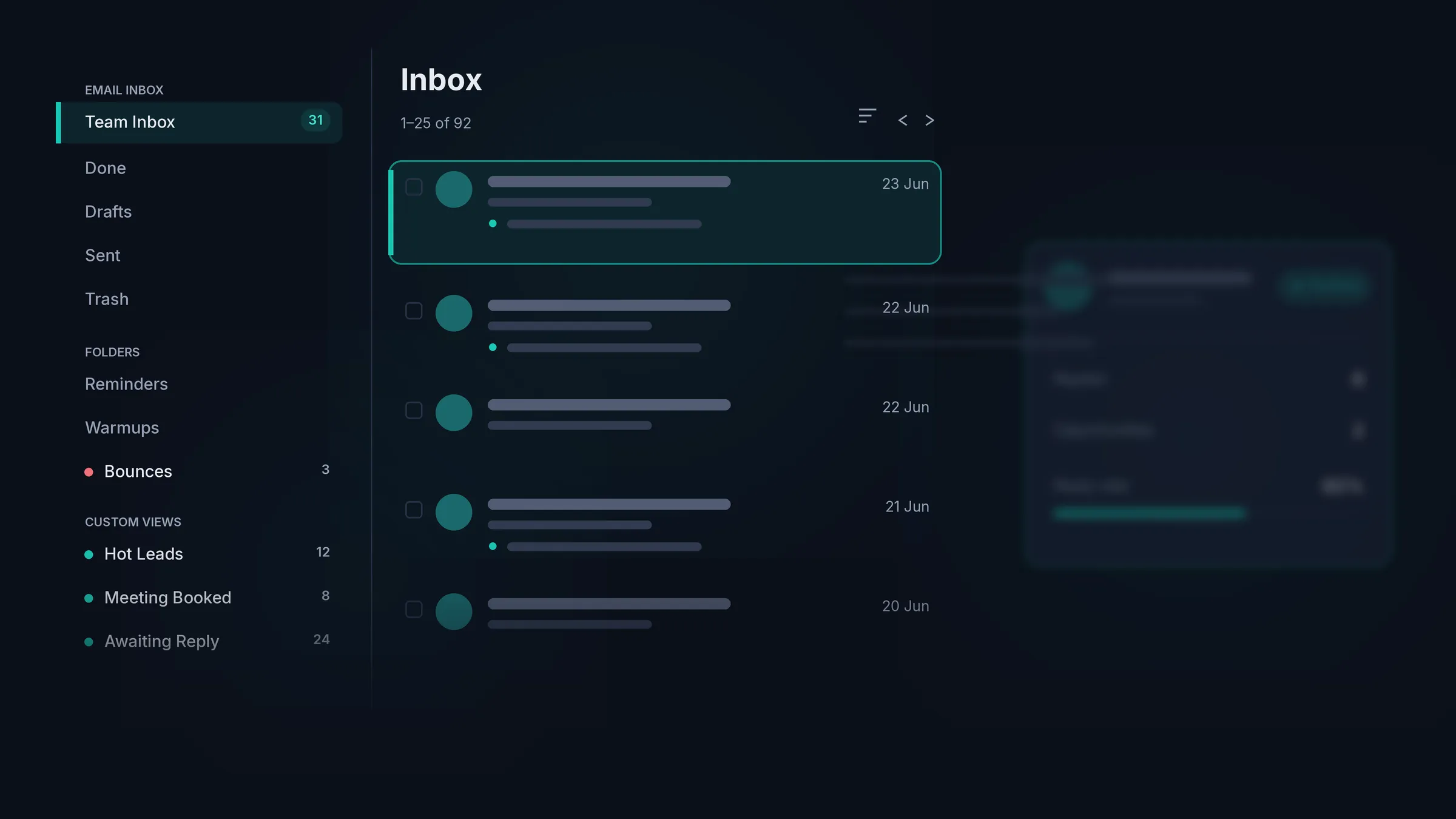
Catches every reply
It connects to your real mailboxes and pulls in the forwarded replies, the CC’d colleagues and the people you never emailed directly, not just the contacts a campaign wrote to.
Sorts the hot ones first
AI categorisation splits replies into positive, negative and out of office. Mailshake’s Lead Catcher flags engaged prospects, but it does not sort replies by sentiment.
Routes it to the right rep
Round robin shares new replies across your team, and mailbox groups send them by the inbox they landed in. Every reply has an owner the second it arrives.
Each rep gets their own view
Run one shared team inbox, or give every rep a My Inbox of just their replies. Managers still see everything, and you set who can see what.
Where HotHawk wins
Scale without the per-seat caps.
Mailshake charges per seat and caps each one to a handful of mailboxes. HotHawk connects unlimited mailboxes on every plan, with a white-label portal for agencies and a free trial to start.
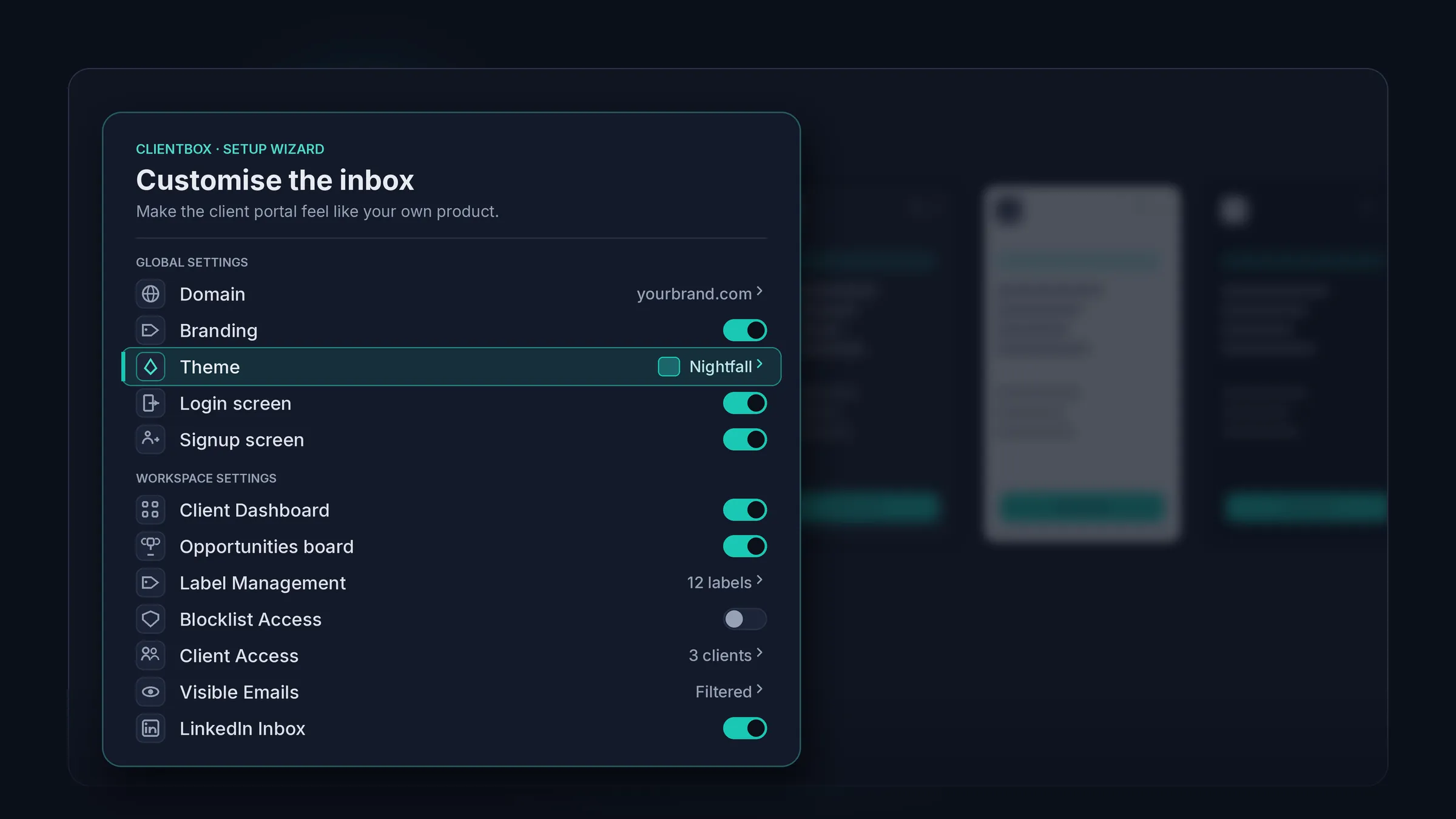
Unlimited mailboxes, no caps
Connect as many mailboxes as you want on every plan. Mailshake caps each seat to one, two or ten, so multi-inbox teams hit the ceiling fast.
No per-seat pricing
You pay for sending volume, not seats. Mailshake charges per user, and every user is another mailbox cap to work around.
A white-label portal for clients
ClientBox gives agencies a branded portal on their own domain. Mailshake has no client portal.
A real free trial
Try HotHawk free for 7 days, no card. Mailshake has no free trial, only a 30-day money-back guarantee after you have paid.
Where Mailshake wins
It is simple, and it is proven.
Mailshake has earned its reputation. It is one of the simplest tools to set up, it has been stable for years, and its two-way Salesforce sync is about the best in the category, with responsive US-based support behind it. If you are a small team that wants something simple and proven, and deep CRM sync matters to you, Mailshake is a solid, safe choice, and we would happily point a small team its way.
HotHawk is the pick when you outgrow per-seat mailbox caps and want the best master inbox and a client portal behind your sending.
The verdict
Which tool should you pick?
Pick HotHawk
For unlimited mailboxes with no per-seat caps, the best master inbox with AI categorisation and team routing, a white-label client portal, and a free trial to test it first.
Pick Mailshake
For a simple, stable, email-first tool with deep Salesforce sync, if you are a small team that will not bump into the per-seat mailbox caps.
FAQ
HotHawk vs Mailshake questions.
How much does Mailshake cost?
Mailshake charges per user, from about $25 to $85 per user a month, and each tier caps how many mailboxes a user can connect at one, two or ten. There is no free trial, only a 30-day money-back guarantee. HotHawk is $97 a month with unlimited mailboxes and no per-seat fees.
Does Mailshake have a free trial?
No. Mailshake asks for payment up front and offers a 30-day money-back guarantee instead. HotHawk gives you 7 days free with no card, so you can connect a mailbox and run a real campaign before you decide.
What is the difference in reply management?
Mailshake’s Lead Catcher turns a prospect into a lead when they reply, but it is engagement-based and does not sort replies by sentiment or route them across a team. HotHawk’s master inbox adds AI categorisation, round robin and mailbox group routing, and a My Inbox per rep.
Does Mailshake limit how many mailboxes I can use?
Yes. Mailshake caps each seat to one, two or ten mailboxes depending on the plan, and it is priced per user. HotHawk connects unlimited mailboxes on every plan, with no per-seat fees.
Is Mailshake good for agencies?
Mailshake has no white-label client portal, and its per-seat mailbox caps make running many clients expensive. HotHawk includes ClientBox, a branded portal on your own domain, with unlimited client workspaces on the Scale and Infra plans.
Can I switch from Mailshake to HotHawk?
Yes. You connect your own mailboxes over OAuth or SMTP, then import your leads and campaigns, so there is nothing to migrate at the infrastructure level. Use the API or our bulk upload tools to move everything across.
Send cold emails that get delivered.Never miss a positive reply.
Serious deliverability paired with the best reply management in the market.
No credit card required.